



A beginner-friendly guide to what Information Technology actually means, how it shows up in everyday life, and the major branches of the field.
Introduction
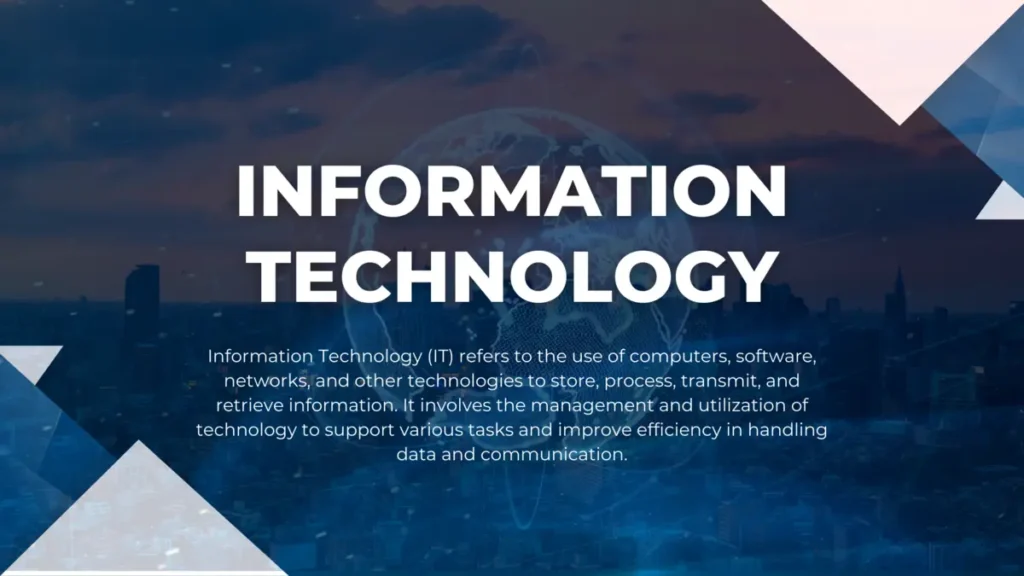
If you’ve ever wondered what people actually mean when they say “IT,” you’re not alone. The term gets used everywhere, job titles, news headlines, school subjects, but rarely explained. This post breaks down what Information Technology really is, why it touches almost everything you do, and which areas make up the field. By the end, you’ll be able to explain IT in plain language and recognize its major branches.
What Is IT? (Simple Explanation)
Information Technology, or IT, is the use of computers, software, networks, and other digital tools to create, store, process, and share information. In simple terms, anytime a device helps you manage or move data, whether that’s sending a message, saving a file, or running a payment system, that’s IT at work. It covers both the physical equipment (hardware) and the instructions that run on it (software).
Why It Matters
IT isn’t just for programmers or office workers. It powers the systems behind your bank transactions, your favorite apps, hospital records, school grading platforms, and even traffic lights. Businesses rely on IT to operate efficiently, communicate, and protect sensitive information. Understanding the basics helps you make sense of the digital world you already use every day, and it opens the door to careers that didn’t exist a generation ago.
Key Concepts You Need to Know
Hardware vs. Software
Hardware refers to the physical parts of a computer system, the keyboard, screen, hard drive, and internal chips. Software is the set of instructions that tells that hardware what to do, like an operating system or an app.
Data and Information
Data is raw facts (numbers, words, images) before it’s organized. Information is data that has been processed into something meaningful, like a spreadsheet of numbers turned into a sales report.
Networks and Connectivity
A network connects multiple devices so they can share data and resources. This is what allows your phone to send a text or your laptop to load a webpage.
IT Support and Maintenance
Behind every working system is a team (or person) who keeps it running, installing updates, fixing bugs, and troubleshooting issues so technology stays reliable.
Common Mistakes or Misconceptions
- “IT is only about fixing computers.” IT support is one small part; the field also includes software development, cybersecurity, data management, and more.
- “You need to be a coding expert to work in IT.” Many IT roles, like technical support or systems administration, don’t require deep programming knowledge.
- “IT and computer science are the same thing.” Computer science focuses more on theory and software design, while IT focuses on applying technology to solve practical problems.
Practical Next Steps
If this is your first step into the world of IT, here’s how to keep building your understanding:
- Explore free beginner courses (like Google’s IT Support Certificate or Microsoft Learn) to see the field’s different paths.
- Get comfortable with your own device, learn how files, folders, and settings work.
- Follow a tech news site or blog for a week to start recognizing common IT terms in context.
Key Takeaways
- IT means using computers, software, and networks to manage and share information.
- It affects nearly every part of modern life, not just office or tech jobs.
- The field includes many branches, hardware, software, networking, support, and more.
- You don’t need to be an expert coder to start learning or working in IT.
Related Reading
- Next week: Computer Fundamentals Everyone Should Know
- Coming up in Week 3: How the Internet Works in Simple Terms
Call to Action: Subscribe for next week’s post on computer fundamentals, hardware, software, and the basics every beginner should know.