







A clear, beginner-friendly guide to databases, learn what tables, records, queries, and SQL are, and how databases power the apps and systems you use every day.
Introduction
Every time you log into an app, search for a product, or check your bank balance, a database is working in the background to find and return the right information in milliseconds. Databases are one of the most essential and invisible parts of modern technology, and understanding how they work is a skill valued across nearly every area of IT. This post introduces the core concepts: what databases are, how they are structured, how data is retrieved, and where they show up in real life. By the end, you’ll understand the foundation that powers almost every digital system you interact with.
What Is a Database? (Simple Explanation)
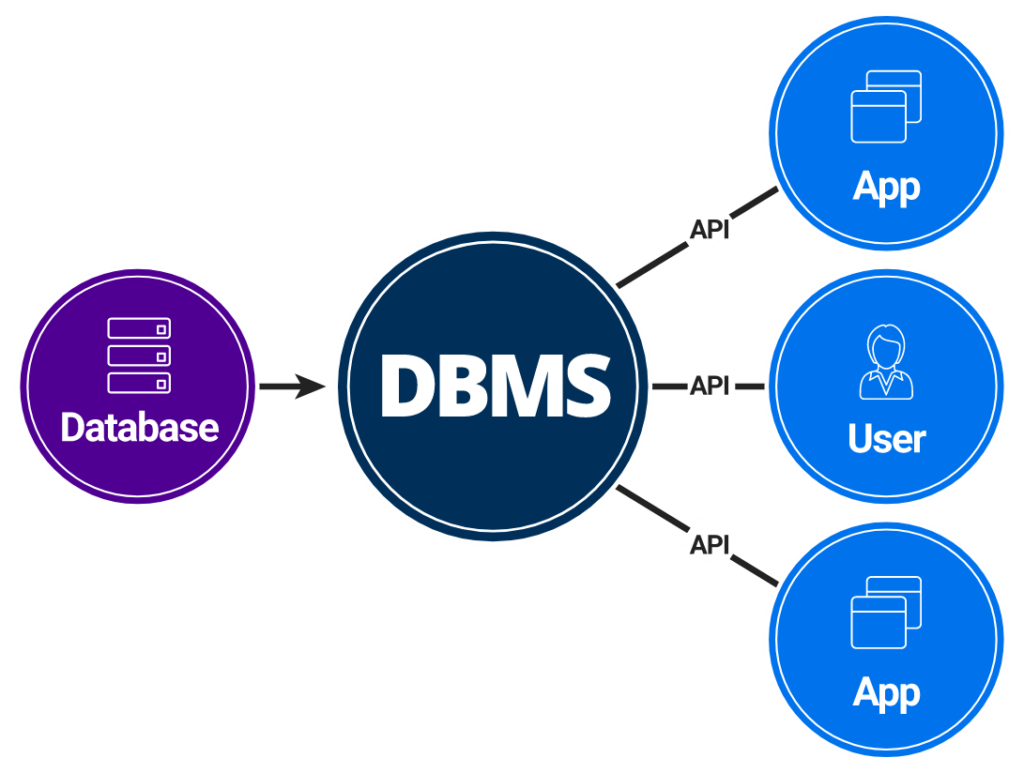
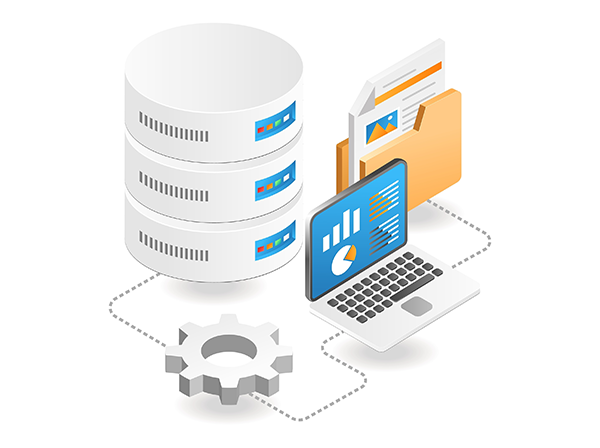
A database is an organised collection of data that can be easily accessed, managed, and updated. Rather than storing information in a jumble of files, databases structure data in a way that makes it fast and reliable to search, sort, and retrieve. Think of a database like a highly organised filing cabinet, except instead of paper folders, data is stored in structured tables, and instead of manually flipping through files, you ask the database precise questions and it returns exactly what you need instantly.
Why It Matters
Databases are the backbone of virtually every digital product and service. Social media platforms store billions of user profiles and posts in databases. E-commerce sites manage product catalogues, orders, and customer records in databases. Healthcare systems store patient histories. Banks track transactions. Schools manage enrolment records. Understanding databases makes you a more capable developer, analyst, IT professional, or business user, and opens the door to roles in data engineering, data analysis, and backend development.
Key Concepts You Need to Know
Tables, Records, and Fields
Data in a relational database is organised into tables, similar to a spreadsheet. Each table represents one type of entity (like Customers or Orders). Each row in a table is a record, one specific entry (like a single customer). Each column is a field, a specific piece of information about that entity (like a customer’s name, email, or phone number).
Primary Keys and Relationships
A primary key is a unique identifier for each record in a table, like a customer ID number that ensures no two customers are confused with each other. Relational databases connect tables together using these keys. For example, an Orders table might reference a Customer ID from the Customers table, linking each order to the right person without duplicating their information.
SQL, Structured Query Language
SQL (Structured Query Language) is the standard language used to communicate with relational databases. It allows you to create tables, insert data, retrieve specific records, update information, and delete entries. The most commonly used SQL command is SELECT, which retrieves data based on conditions you specify. SQL is one of the most consistently in-demand skills across tech, data, and business roles.
Relational vs. Non-Relational Databases
Relational databases (like MySQL, PostgreSQL, and SQLite) store data in structured tables with defined relationships. Non-relational databases, also called NoSQL databases (like MongoDB or Firebase), store data in more flexible formats such as documents or key-value pairs. Relational databases are ideal for structured, consistent data; NoSQL databases suit large volumes of unstructured or rapidly changing data.
Practical Use Cases
Databases appear in nearly every digital context: an e-commerce site’s product catalogue, a school’s student records system, a hospital’s patient management platform, a social media app’s user profiles and posts, and the analytics dashboards businesses use to track performance.
Common Mistakes or Misconceptions
- “Databases are only for developers.” Data analysts, business intelligence professionals, marketers, and operations managers all work with databases regularly. SQL is not just a developer tool, it’s a broadly useful professional skill.
- “A spreadsheet is the same as a database.” Spreadsheets like Excel are useful for small datasets but lack the speed, scalability, and relational capabilities of a proper database. A database can handle millions of records and multiple simultaneous users without performance issues.
- “NoSQL databases are better than relational ones.” Neither is universally better, they serve different purposes. Choosing the right type of database depends on the structure and scale of the data, and the needs of the application.
Practical Next Steps
Get hands-on with databases using these starting points:
- Try SQLiteOnline.com, a free, browser-based SQL environment where you can create a table, insert some data, and run your first SELECT query without installing anything.
- Work through the free SQL course on Khan Academy or freeCodeCamp, both introduce SQL concepts through interactive exercises.
- Think about an app you use daily (a notes app, a to-do list, a shopping platform) and sketch out what its database tables might look like, what entities exist, what fields they’d have, and how they’d be connected.
Key Takeaways
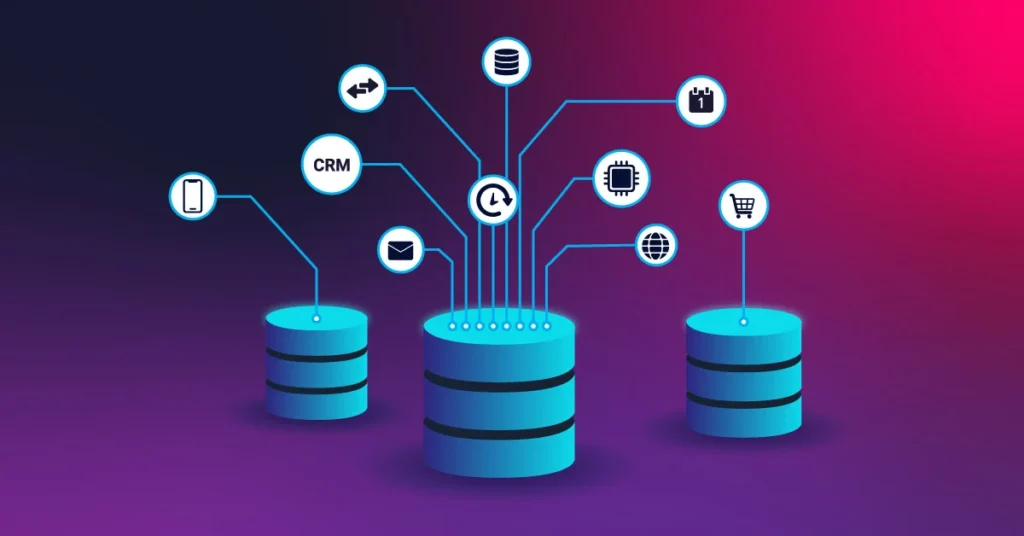
- A database is a structured, organised collection of data that can be quickly searched, sorted, and retrieved.
- Relational databases store data in tables made up of records and fields, connected by keys.
- SQL is the standard language for querying and managing relational databases, and one of the most valuable IT skills across many roles.
- Databases power virtually every digital product and service in use today.
Related Reading
- Previous week: Getting Started in Web Development: What to Learn First
- Coming up in Week 9: Software Development Lifecycle Explained for Aspiring Professionals
Call to Action: Subscribe for next week’s post where we enter Advanced territory, a full walkthrough of the Software Development Lifecycle, from planning to deployment and beyond.