







Learn how phishing attacks, malware, and online scams actually work, the tactics attackers use, the warning signs to look for, and exactly what to do if you become a target.
Introduction
Every day, billions of phishing emails are sent, thousands of malware variants are deployed, and countless people lose money, data, and access to their accounts through online scams. These are not abstract threats that only affect careless or technically unsophisticated people, security researchers, IT professionals, and experienced developers are regularly targeted and sometimes caught out by well-crafted attacks. The difference between people who consistently avoid falling victim and those who do not comes down to one thing: knowing how these attacks work. This post gives you a thorough, practical understanding of the most common digital threats, phishing, malware, and scams, including how they are constructed, the psychological tactics they exploit, and exactly what to do if you encounter or fall victim to one.
What Are Phishing, Malware, and Online Scams? (Simple Explanation)
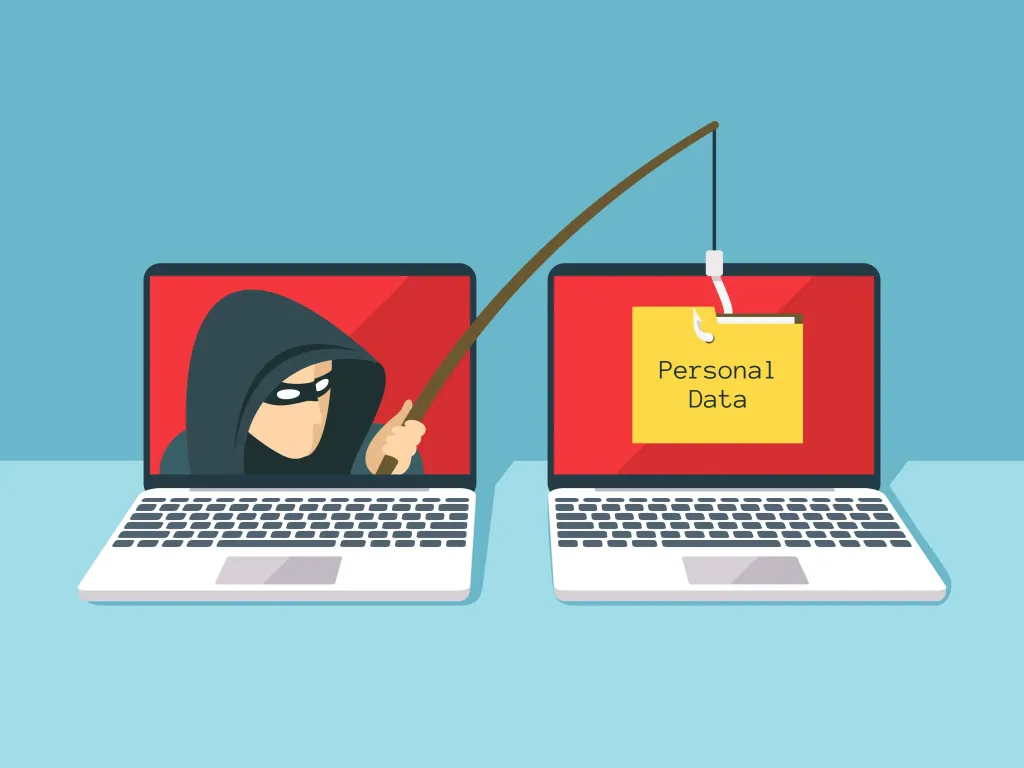
Phishing is a deceptive attack where an attacker impersonates a trusted entity, a bank, employer, government agency, or familiar brand, to trick you into handing over sensitive information or taking a harmful action. Malware is malicious software designed to damage, disrupt, or gain unauthorised access to a device or network. Online scams are broader fraudulent schemes conducted over the internet, designed to steal money, personal information, or both. While these three categories overlap significantly, a phishing email often delivers malware, and many scams begin with a phishing message, understanding each one distinctly makes them easier to identify and avoid.
Why It Matters
The financial and personal cost of these attacks is enormous. Ransomware attacks have shut down hospitals, schools, and government agencies. Business email compromise scams, where attackers impersonate executives to authorise fraudulent transfers, cost organisations billions annually. Romance scams destroy savings and cause severe emotional harm. Identity theft resulting from phishing can take years to fully resolve. Understanding these threats is not optional in a world where virtually every aspect of personal and professional life has a digital dimension.
Key Concepts You Need to Know
How Phishing Works
Phishing attacks succeed by exploiting trust and urgency. A typical phishing email appears to come from a legitimate organisation, your bank, PayPal, a delivery company, or your employer’s IT department, and creates a sense of urgency: your account has been suspended, a payment has failed, a package cannot be delivered, or unusual activity has been detected. The email contains a link to a convincing replica of the real website, where you are prompted to enter your credentials or payment details. Those details go directly to the attacker. Spear phishing is a more targeted variant, personalised using information gathered about the victim from social media or previous breaches, making it significantly more convincing.
Types of Malware
Malware comes in many forms, each with a different mechanism and objective. Viruses attach themselves to legitimate files and spread when those files are shared. Ransomware encrypts files on the victim’s device and demands payment, usually in cryptocurrency, for the decryption key. Spyware silently monitors activity, capturing keystrokes, screenshots, and browsing history. Trojans disguise themselves as legitimate software to gain installation access. Adware floods the device with unwanted advertisements and may redirect browser traffic. Rootkits embed themselves deeply in the operating system, making them difficult to detect and remove. Most malware enters devices through email attachments, malicious downloads, compromised websites, or unpatched software vulnerabilities.
Common Online Scam Types
Beyond phishing, a wide range of scam formats target internet users. Tech support scams involve fake alerts claiming your device is infected, followed by a phone call from a fraudster posing as a support technician who requests remote access or payment. Investment scams, including cryptocurrency fraud, promise extraordinary returns and use manufactured urgency and social proof to pressure victims into transferring funds. Romance scams involve fabricated online relationships built over weeks or months, culminating in requests for money under fabricated emergency circumstances. Advance fee scams (the classic “Nigerian prince” format) promise large financial rewards in exchange for a small upfront payment, which is never returned. Job scams target people seeking employment with offers that require upfront payments for training, equipment, or background checks.
The Psychology Behind These Attacks
All of these threats exploit fundamental human psychology rather than technical vulnerabilities. The key mechanisms are urgency (creating time pressure that overrides careful thinking), authority (impersonating figures of trust to reduce scepticism), fear (threatening negative consequences to prompt hasty action), and curiosity or greed (offering something desirable to lower defences). Understanding that these emotional levers are being deliberately pulled is itself a powerful defence, whenever you feel pressured, frightened, or unusually excited by an online communication, those feelings are a signal to slow down and verify.
What to Do If You Are Targeted or Fall Victim
If you receive a suspected phishing message, do not click any links or download any attachments, report it as phishing in your email client and delete it. If you have already clicked a link or entered credentials, change the affected password immediately, enable two-factor authentication if not already active, check for any unauthorised activity on the account, and notify your bank if financial information was involved. If malware may have been installed, disconnect the device from the network, run a full scan with a reputable security tool, and consider seeking professional help if the infection appears severe. Report online scams to your national cybercrime authority, in the UK to Action Fraud, in the US to the FTC at reportfraud.ftc.gov.
Common Mistakes or Misconceptions
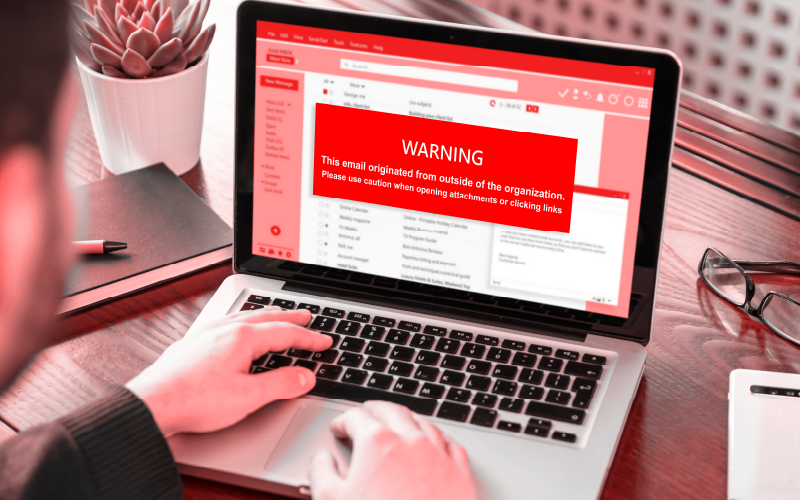
- “I can always spot a phishing email.” Modern phishing attacks are highly sophisticated, using correct logos, personalised details, and domains that differ from the real one by a single character. Even experienced security professionals are sometimes deceived. Verification habits matter more than confidence in your ability to spot fakes.
- “Only clicking links is dangerous.” Simply previewing a malicious email attachment, visiting a compromised website, or connecting an infected USB drive can trigger malware installation, depending on the software vulnerabilities present on your device. Keeping software updated closes the majority of these entry points.
- “Scams only target elderly or non-technical people.” Research consistently shows that younger, more digitally active people are frequently targeted and victimised by online scams, partly because they conduct more activity online and are exposed to more opportunities for attack. Overconfidence is a vulnerability, not a protection.
Practical Next Steps
Strengthen your defences against these threats today:
- Forward any suspicious emails you receive to your email provider’s phishing report address, in Gmail, use the “Report phishing” option under the three-dot menu. This helps train spam filters and protects other users from the same attack.
- Enable automatic software updates on all your devices, operating system and application patches close the vulnerabilities that malware most commonly exploits. This single habit eliminates a significant proportion of malware risk.
- Before clicking any link in an email, verify the sender’s actual email address (not just the display name), hover over the link to inspect the destination URL, and if in doubt, navigate to the organisation’s website directly by typing the address into your browser rather than following any link.
Key Takeaways
- Phishing exploits trust and urgency to steal credentials; malware damages or infiltrates devices; online scams defraud victims financially or steal personal information, all three frequently overlap.
- These attacks succeed by exploiting psychological triggers, urgency, authority, fear, and greed, rather than technical sophistication. Recognising those triggers is a primary defence.
- Keeping software updated, verifying communications before acting, and knowing what to do after an incident are the three most impactful practical defences.
- No one is immune, overconfidence is itself a vulnerability. Consistent habits and verification processes protect where confidence does not.
Related Reading
- Previous post: How to Create Strong Password Habits
- Coming up next: Data Privacy and Personal Protection Online
Call to Action: Subscribe for next week’s final April post, a thorough guide to data privacy and personal protection online, covering what data is collected about you, how it is used, and the steps you can take to reclaim control.