





A beginner’s guide to JavaScript, learn the core concepts every new developer needs, including variables, functions, events, and the DOM, with practical examples throughout.
Introduction
If HTML is the structure of a webpage and CSS is its appearance, JavaScript is its behaviour. It is the language that makes webpages respond to clicks, validate forms, load content without refreshing, animate elements, and interact with users in real time. JavaScript is also the only programming language that runs natively in every web browser, making it the most universally deployed programming language in the world. For anyone learning web development, JavaScript is not optional, it is the essential third layer that brings everything to life. This post introduces the core JavaScript concepts every beginner needs to understand, explains how JavaScript connects to the HTML and CSS you have already learned, and gives you practical starting points for writing your first interactive code. By the end, you will have a clear foundation to build on and the confidence to start experimenting.
What Is JavaScript? (Simple Explanation)
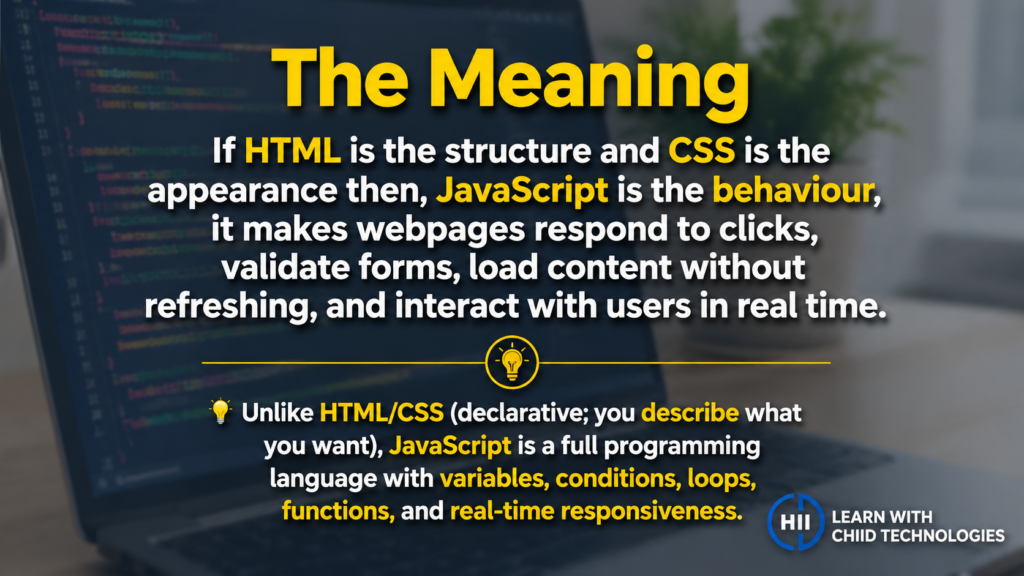
JavaScript is a programming language originally designed to run inside web browsers and add interactivity to webpages. Unlike HTML and CSS, which are declarative (you describe what you want), JavaScript is a fully featured programming language, it has variables, conditions, loops, functions, and the ability to respond to user actions in real time. Over the past decade, JavaScript has expanded far beyond the browser: it now runs on servers (via Node.js), powers mobile apps, drives desktop applications, and is used in data visualisation, machine learning, and more. But for beginners, the browser is the right place to start, and the feedback is immediate and visual, which makes learning faster.
Why It Matters
JavaScript is consistently ranked as the most widely used programming language in the world, year after year, in survey after survey. It is the language of the web, and the web is the dominant platform for delivering software. Learning JavaScript opens doors to front-end development, back-end development (with Node.js), full-stack development, and a vast ecosystem of frameworks and tools including React, Vue, Angular, and Next.js. Even if you never intend to become a developer, understanding JavaScript basics helps you read and modify existing code, work more effectively with development teams, and automate tasks in modern browser-based tools.
Key Concepts You Need to Know
Variables, let, const, and var
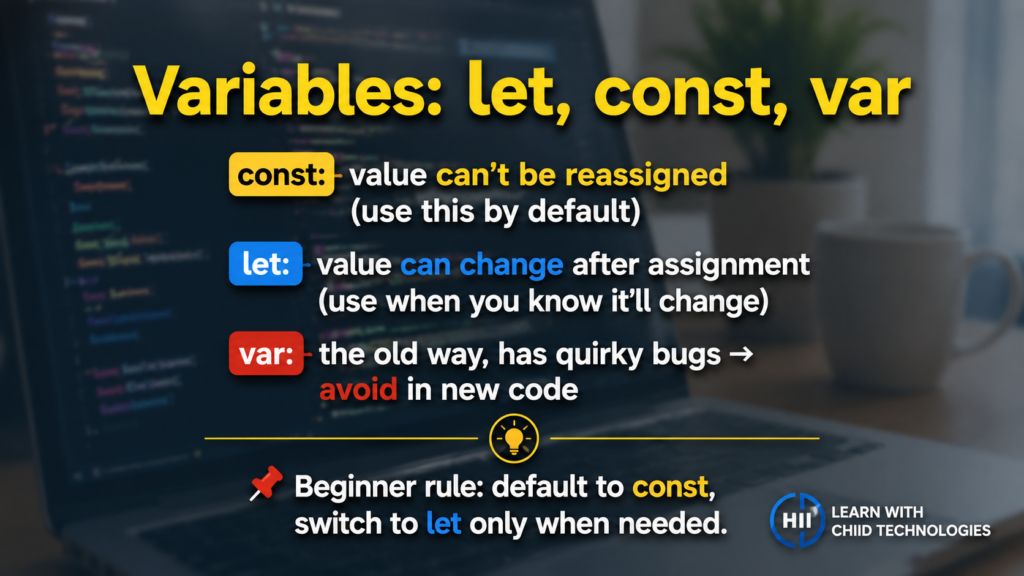
JavaScript uses three keywords to declare variables. The var keyword is the original way to declare variables, it is still functional but has quirks that can cause bugs, so modern JavaScript largely avoids it. The let keyword declares a variable whose value can be changed after it is first assigned. The const keyword declares a variable whose value cannot be reassigned, it is constant. As a beginner, use const by default and switch to let when you know a value will need to change. Avoid var entirely in new code.
Data Types in JavaScript
JavaScript works with several core data types. Strings are sequences of text, written inside single or double quotes. Numbers cover both integers and decimals, JavaScript does not distinguish between them. Booleans are true or false values. Arrays are ordered lists of values, written inside square brackets, useful for storing collections of related data. Objects are collections of key-value pairs, written inside curly braces, they are how JavaScript represents structured data, similar to a real-world object with named properties.
Functions in JavaScript
Functions in JavaScript work exactly as described in the programming logic post, they are reusable, named blocks of code. JavaScript offers several ways to define them. A traditional function declaration uses the function keyword followed by a name and a pair of parentheses for parameters. Arrow functions are a more concise modern syntax introduced in ES6, they use a fat arrow (=>) and are particularly common in modern JavaScript code. Both do the same thing; arrow functions are just shorter to write and have some subtle differences in how they handle the this keyword, which becomes relevant in more advanced contexts.
The DOM, Connecting JavaScript to HTML
The DOM (Document Object Model) is the bridge between JavaScript and your HTML. When a browser loads a webpage, it creates a tree-like representation of the HTML structure in memory, called the DOM. JavaScript can read and modify that tree, which is what allows it to change the content, style, and structure of a page without reloading it. Using document.getElementById or document.querySelector, you can select any HTML element and then change its text, style, attributes, or position on the page. This ability to dynamically manipulate the DOM is the core mechanism behind almost all interactive web behaviour.
Events and Event Listeners
An event is anything that happens on a webpage, a mouse click, a key press, a form submission, a page finishing loading, or a user hovering over an element. An event listener is JavaScript code that waits for a specific event to occur on a specific element and then runs a function in response. Adding an event listener to a button, for example, allows you to define exactly what happens when that button is clicked, displaying a message, submitting data, changing an element’s appearance, or triggering any other behaviour. Events and event listeners are the foundation of all user interaction on the web.
Working with Arrays and Loops
Arrays are one of the most frequently used data structures in JavaScript. They store ordered lists of values, a list of user names, a collection of product prices, a sequence of messages. JavaScript provides powerful built-in methods for working with arrays: push adds an item to the end, pop removes the last item, map creates a new array by applying a function to each element, filter creates a new array containing only elements that meet a condition, and forEach runs a function once for each element. These methods, combined with loops, allow you to process and transform collections of data efficiently and expressively.
Debugging JavaScript
Every JavaScript developer spends time debugging, finding and fixing errors. The browser’s developer tools (opened with F12) include a Console where JavaScript errors are displayed with descriptions and line numbers, and a Debugger that allows you to pause code execution at specific points and inspect the values of variables in real time. Using console.log(), which prints values to the Console, is the most basic and universally used debugging technique. Getting comfortable with these tools early accelerates learning significantly.
Common Mistakes or Misconceptions
- “JavaScript and Java are the same language.” They are completely unrelated. Java is a separate, statically typed language primarily used for enterprise applications and Android development. JavaScript was named partly as a marketing decision when it was released in 1995, the similarity in names has caused confusion ever since.
- “I need to learn a JavaScript framework before I can build anything.” Frameworks like React and Vue are built on top of JavaScript, you need to understand JavaScript itself before frameworks make sense. Spending weeks on vanilla JavaScript (plain JavaScript without frameworks) first makes framework learning dramatically faster and more intuitive.
- “JavaScript only works in browsers.” JavaScript runs in browsers, on servers (Node.js), in mobile apps (React Native), in desktop applications (Electron), and in many other environments. It is one of the most versatile languages in existence, the browser is just where most beginners start.
Practical Next Steps
Start writing JavaScript today with these hands-on exercises:
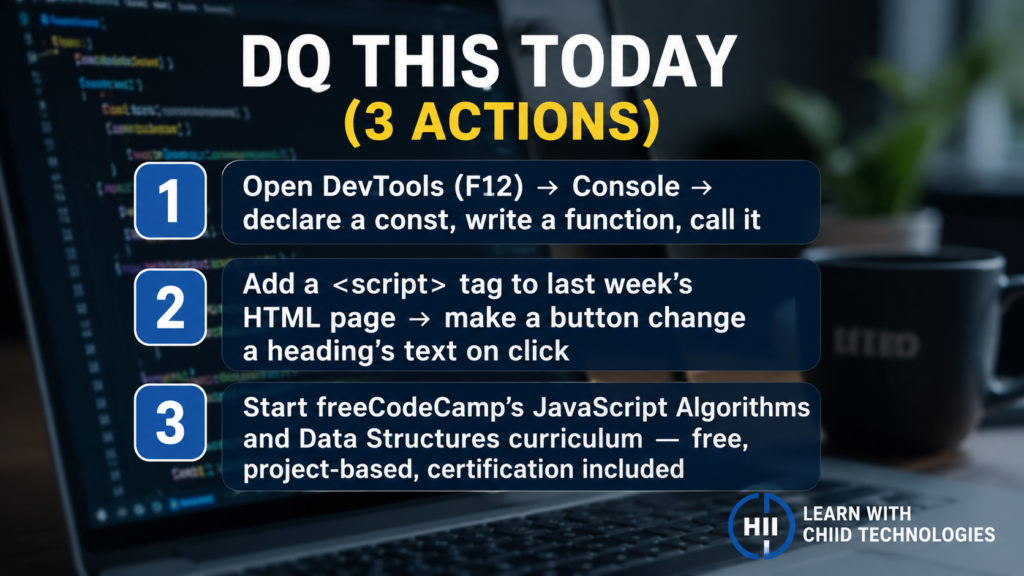
- Open your browser’s developer tools (F12), navigate to the Console tab, and type your first JavaScript directly: declare a variable with const, create a simple function that returns a greeting, and call it. Seeing your code execute instantly in the Console is one of the most satisfying early experiences in JavaScript.
- Add a script tag to the HTML page you built in last week’s post and write a simple event listener, make a button change the text of a heading when clicked. This single exercise combines HTML, CSS, and JavaScript for the first time and demonstrates the full power of all three technologies working together.
- Begin the JavaScript Algorithms and Data Structures curriculum on freeCodeCamp.org, it is free, comprehensive, project-based, and leads to a recognised certification that you can display on a portfolio or LinkedIn profile.
Key Takeaways
- JavaScript is the programming language of the web, it adds behaviour and interactivity to the HTML structure and CSS styling you have already learned.
- Core JavaScript concepts, variables, data types, functions, the DOM, events, and arrays, are the building blocks of all interactive web development.
- The DOM is the bridge between JavaScript and HTML, it is what allows JavaScript to read and modify the content and appearance of a page in real time.
- Learning vanilla JavaScript before frameworks is the most effective path, frameworks build on JavaScript fundamentals, and confusion with frameworks usually traces back to gaps in JavaScript basics.
Related Reading
- Previous post: HTML and CSS Starter Guide
- Coming up next: What Web Developers Actually Do
Call to Action: Subscribe for next week’s post as we move into June, opening our Web Development month with a clear, honest look at what web developers actually do day to day, the different roles within the field, and what a career in web development really looks like.