




• About
  • Contact Us
  • Advertise
  • Privacy & Policy
  • Terms and Conditions
Tech News, Magazine & Review WordPress Theme 2017
  • Services
  • Blog
  • Reviews
    Android Sideloading

    Android Sideloading Is About to Change: Google’s Developer Verification Timeline Explained: What Every User and Developer Needs to Know

    One UI 9

    Samsung One UI 9 & Android 17: The Full List of Every Device Getting the Update and When to Expect It

    Tecno Spark 50

    TECNO SPARK 50 Review: Is This the Best Budget Phone for Heavy Users in Africa?

    DELL

    Dell 14S and 16S (2026): Everything You Need to Know About Dell’s New Mid-Range Powerhouses

    NOKIA

    Nokia’s Agentic AI Is Reshaping Broadband Networks — Here’s What That Means for Telecom Providers

    Sony Xperia 1 VIII

    Sony Xperia 1 VIII: Now on Pre-Order in Europe, Plus a Free Pair of WH-1000XM6 Worth €450

  • Contact Us
  • Trainings
    • Software Development
    • Case Studies
    • Cybersecurity
    • Applications
    • Security
No Result
View All Result
  • Services
  • Blog
  • Reviews
    Android Sideloading

    Android Sideloading Is About to Change: Google’s Developer Verification Timeline Explained: What Every User and Developer Needs to Know

    One UI 9

    Samsung One UI 9 & Android 17: The Full List of Every Device Getting the Update and When to Expect It

    Tecno Spark 50

    TECNO SPARK 50 Review: Is This the Best Budget Phone for Heavy Users in Africa?

    DELL

    Dell 14S and 16S (2026): Everything You Need to Know About Dell’s New Mid-Range Powerhouses

    NOKIA

    Nokia’s Agentic AI Is Reshaping Broadband Networks — Here’s What That Means for Telecom Providers

    Sony Xperia 1 VIII

    Sony Xperia 1 VIII: Now on Pre-Order in Europe, Plus a Free Pair of WH-1000XM6 Worth €450

  • Contact Us
  • Trainings
    • Software Development
    • Case Studies
    • Cybersecurity
    • Applications
    • Security
No Result
View All Result
ChiidTech
No Result
View All Result

Your Password Is Powerful That’s Why Hackers Need It!

Abasido Friday by Abasido Friday
May 18, 2026
Home Cybersecurity
Share on FacebookShare on Twitter
How to Create a Strong Password You Won't Forget - InsideHook

Let’s be honest: most of us only start thinking about passwords after something goes wrong, such as:

  • A strange login alert.
  • An account locked.
  • A message sent from your WhatsApp that you didn’t send.

And then you remember that password you’ve been reusing since… forever.

In 2026, your password isn’t just a password. It’s the gatekeeper to your email, bank apps, business tools, social media, and even your identity. So let’s talk about how to create a strong login password, in a way that’s easy to understand and actually doable.

The biggest myth about passwords

A strong password is not about making it “complicated.” It’s about making it hard to guess and hard to crack, even with modern tools.

Here’s the secret:

✅ Length beats complexity

A longer password is usually stronger than a shorter “complex-looking” one.

  • Chiidtech@1 looks fancy, but it’s short and predictable.
  • mango-planet-river-laptop-47! is longer, easier to remember, and far harder to break.

Think of your password like a door lock

Some people lock their door with a tiny padlock and feel safe. But criminals aren’t impressed by feelings. They’re impressed by difficulty.

Weak passwords are like:

  • a door with a broken lock
  • or a key left under the doormat

Strong passwords are like:

  • a solid door
  • a tough lock
  • and a security camera (we’ll get to that part)

The 4 rules of a strong login password (simple and effective)

Few passwords are safe from hackers | Cybernews

1) Make it long (14–20+ characters)

Don’t aim for “8 characters minimum.” That’s outdated.
If you can, use 14 characters or more.

2) Make it unique (never reuse)

This is where many people lose.
If you use the same password on 5 sites, and one gets leaked, attackers try that same password everywhere else.

This is called credential stuffing, and it works because people reuse passwords.

3) Make it unpredictable

Avoid anything someone can guess from your life:

  • your name
  • your phone number
  • your birthday
  • your business name
  • your child’s name
  • “password”, “admin”, “123456”, “qwerty”

4) Avoid patterns

Attackers don’t just guess randomly. They guess using common patterns like:

  • Name@123
  • Password1!
  • 2026@Something

Patterns are the enemy.

The easiest method: the passphrase

Your password is your first safety lock, keep it strong. Easy passwords  help hackers, Don't make it simple for them. #StaySafeOnline

If you remember only one thing from this post, let it be this:

Use a passphrase: A 4–6 random words

A passphrase is simply a password made from random words.

Example structure:

  • word-word-word-word-number-symbol
  • like: market-sunrise-ladder-pepper-81?

Why it works:

  • it’s long
  • it’s easy to type
  • it’s hard to guess
  • it’s hard to crack

Important: the words should be random, not a sentence like “I love my family.”

“But how do I remember all these passwords?”

Great question. But the truth is: you shouldn’t be memorizing 30 different passwords.

Best option: use a password manager

A password manager stores your passwords securely and can generate strong ones for you.

So you only memorize one master password, and the manager handles the rest.

If you don’t want that yet, at least:

  • write them down and keep them somewhere private (not in open notes on your phone)
  • don’t share them over chat

The second lock: turn on 2-step verification (2FA)

Even a strong password can be stolen (phishing is real), that’s why the smartest move is adding a second layer:

✅ 2FA (Two-Factor Authentication)
This usually means:

  • a code from an authenticator app, or
  • a prompt on your phone, or
  • a hardware security key

So even if someone gets your password, they still can’t log in.

A quick “strong password recipe” you can use today
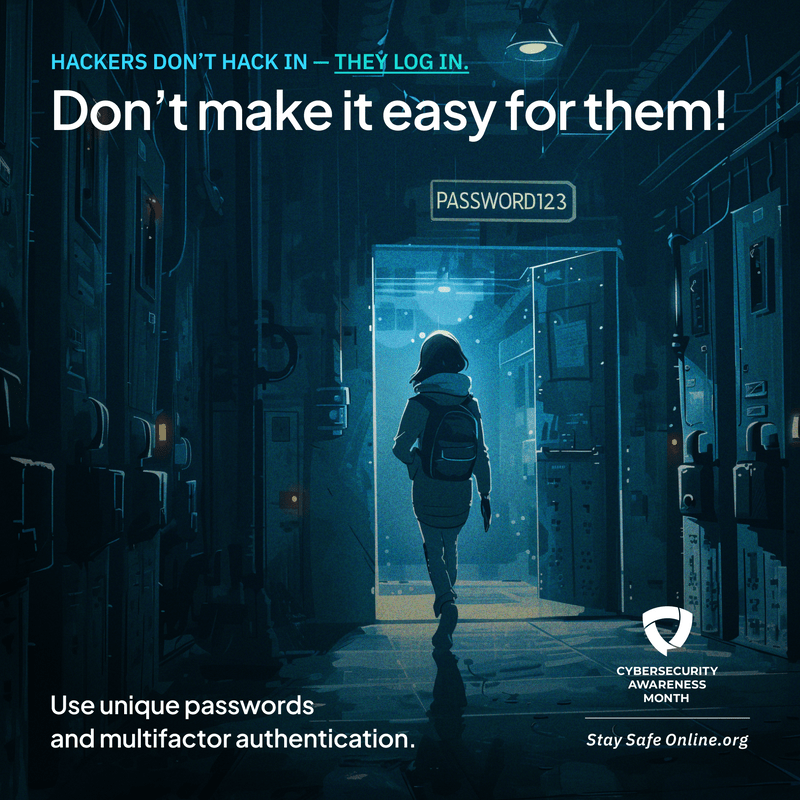
Cybersecurity Awareness Month Week 1: Use strong passwords and a password  manager – ITS Blog – Carleton College

If you want a simple process:

  1. Pick 4–6 random words
  2. Add 2 digits
  3. Add 1 symbol
  4. Make sure it’s 15+ characters

That’s it.

Common mistakes to stop today

If you’re doing any of these, fix them:

  • using the same password everywhere
  • using short passwords with fancy symbols
  • keeping passwords in your chat history
  • using personal info (birthdays, names)
  • ignoring 2FA

Final thought

Your password is like your house key. You don’t give everyone a copy. You don’t use a weak lock. And you definitely don’t use the same key for your house, office, and car.

In 2026, the safest move is simple:
✅ Long passwords
✅ Unique passwords
✅ Passphrases
✅ 2FA turned on

Tags: 2FAHackersPasswordPassword manager
Abasido Friday

Abasido Friday

Next Post

Valve, makers of Half-Life and Portal, are working on three full VR games

Recommended.

Passwords

Your Password Is Powerful That’s Why Hackers Need It!

May 18, 2026
Databases

Why the Debate Between Relational and Document Databases Keeps Returning.

May 11, 2026

Trending.

Amazon’s Next Big Shift: How Same-Day Delivery Robotics and Smart Warehousing Are Redefining E-Commerce Logistics.

Amazon’s Next Big Shift: How Same-Day Delivery Robotics and Smart Warehousing Are Redefining E-Commerce Logistics.

May 18, 2026
AI and Software Team

AI Will Not Save Weak Software Teams. It Will Expose Them.

June 8, 2026
Claude

Claude AI Suffers Major Global Outage: What Happened, Who Was Affected, and What It Means for AI Reliability

June 17, 2026
Trump Mobile's T1 Phone

Trump Mobile’s T1 Phone: $100 Deposits, Endless Delays, and Fine Print That Says It May Never Ship

May 18, 2026
Samsung

Samsung Galaxy Z Fold 8 Ultra vs. Fold 8: Everything You Need to Know Before the July 22 Launch

June 17, 2026
ChiidTech - Software Solutions Company

© 2026 ChiidTech - Software and Technology Innovations Company

Navigate Site

  • About
  • Contact Us
  • Advertise
  • Privacy & Policy
  • Terms and Conditions

Follow Us

No Result
View All Result
  • Services
  • Blog
  • Reviews
  • Contact Us
  • Trainings
    • Software Development
    • Case Studies
    • Cybersecurity
    • Applications
    • Security

© 2026 ChiidTech - Software and Technology Innovations Company

Join Our Developer Community