





Let’s be honest: most of us only start thinking about passwords after something goes wrong, such as:
- A strange login alert.
- An account locked.
- A message sent from your WhatsApp that you didn’t send.
And then you remember that password you’ve been reusing since… forever.
In 2026, your password isn’t just a password. It’s the gatekeeper to your email, bank apps, business tools, social media, and even your identity. So let’s talk about how to create a strong login password, in a way that’s easy to understand and actually doable.
The biggest myth about passwords
A strong password is not about making it “complicated.” It’s about making it hard to guess and hard to crack, even with modern tools.
Here’s the secret:
✅ Length beats complexity
A longer password is usually stronger than a shorter “complex-looking” one.
- Chiidtech@1 looks fancy, but it’s short and predictable.
- mango-planet-river-laptop-47! is longer, easier to remember, and far harder to break.
Think of your password like a door lock
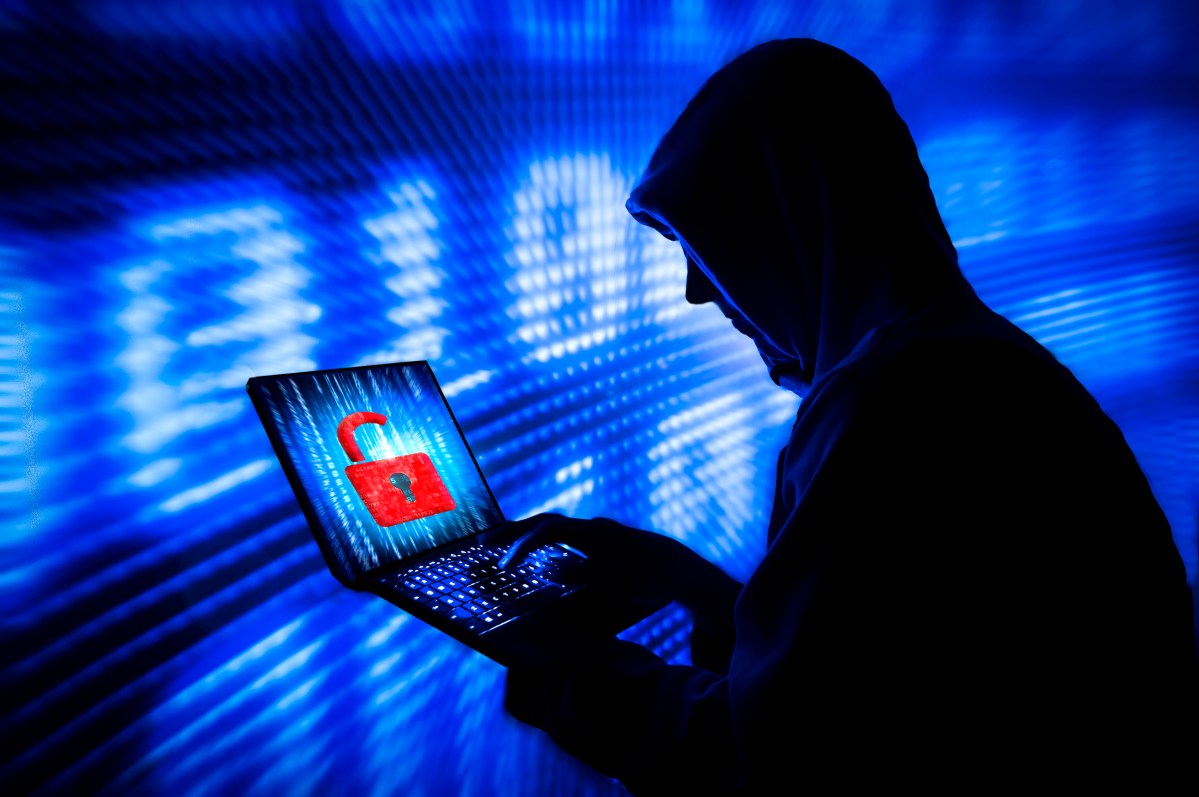
Some people lock their door with a tiny padlock and feel safe. But criminals aren’t impressed by feelings. They’re impressed by difficulty.
Weak passwords are like:
- a door with a broken lock
- or a key left under the doormat
Strong passwords are like:
- a solid door
- a tough lock
- and a security camera (we’ll get to that part)
The 4 rules of a strong login password (simple and effective)
1) Make it long (14–20+ characters)
Don’t aim for “8 characters minimum.” That’s outdated.
If you can, use 14 characters or more.
2) Make it unique (never reuse)
This is where many people lose.
If you use the same password on 5 sites, and one gets leaked, attackers try that same password everywhere else.
This is called credential stuffing, and it works because people reuse passwords.
3) Make it unpredictable
Avoid anything someone can guess from your life:
- your name
- your phone number
- your birthday
- your business name
- your child’s name
- “password”, “admin”, “123456”, “qwerty”
4) Avoid patterns
Attackers don’t just guess randomly. They guess using common patterns like:
- Name@123
- Password1!
- 2026@Something
Patterns are the enemy.
The easiest method: the passphrase

If you remember only one thing from this post, let it be this:
Use a passphrase: A 4–6 random words
A passphrase is simply a password made from random words.
Example structure:
- word-word-word-word-number-symbol
- like: market-sunrise-ladder-pepper-81?
Why it works:
- it’s long
- it’s easy to type
- it’s hard to guess
- it’s hard to crack
Important: the words should be random, not a sentence like “I love my family.”
“But how do I remember all these passwords?”
Great question. But the truth is: you shouldn’t be memorizing 30 different passwords.
Best option: use a password manager
A password manager stores your passwords securely and can generate strong ones for you.
So you only memorize one master password, and the manager handles the rest.
If you don’t want that yet, at least:
- write them down and keep them somewhere private (not in open notes on your phone)
- don’t share them over chat
The second lock: turn on 2-step verification (2FA)
Even a strong password can be stolen (phishing is real), that’s why the smartest move is adding a second layer:
✅ 2FA (Two-Factor Authentication)
This usually means:
- a code from an authenticator app, or
- a prompt on your phone, or
- a hardware security key
So even if someone gets your password, they still can’t log in.
A quick “strong password recipe” you can use today
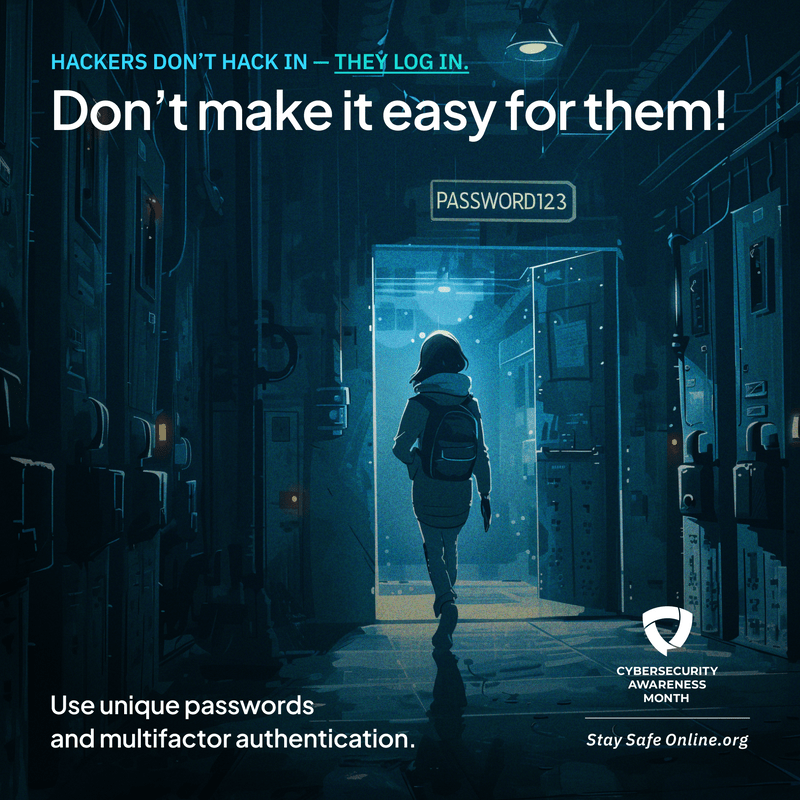
If you want a simple process:
- Pick 4–6 random words
- Add 2 digits
- Add 1 symbol
- Make sure it’s 15+ characters
That’s it.
Common mistakes to stop today
If you’re doing any of these, fix them:
- using the same password everywhere
- using short passwords with fancy symbols
- keeping passwords in your chat history
- using personal info (birthdays, names)
- ignoring 2FA
Final thought
Your password is like your house key. You don’t give everyone a copy. You don’t use a weak lock. And you definitely don’t use the same key for your house, office, and car.
In 2026, the safest move is simple:
✅ Long passwords
✅ Unique passwords
✅ Passphrases
✅ 2FA turned on