





Infostealer malware has stolen 124M passwords now live in Have I Been Pwned. Here’s what happened, why it matters, and exactly what you should do right now.
INTRODUCTION
Your password may have been stolen, not from a company’s server, but directly from your own device, and you might have absolutely no idea it happened.
On June 15, 2026, the breach notification service Have I Been Pwned (HIBP) updated its database with 56.3 million compromised email addresses and 124 million unique passwords. What makes this dataset different from most breach disclosures is the method: this data was not stolen from a corporate database. It was taken from individual users’ computers by infostealer malware, quietly, without warning, often over extended periods of time.
If you use a Windows PC and store any passwords in your browser, this matters to you. Here is what happened, what the risks are, and what you need to do now.
WHAT HAPPENED: THE JUNE 2026 HIBP UPDATE

Have I Been Pwned, operated by security researcher Troy Hunt, is the most widely used public tool for checking whether personal credentials have appeared in known breaches. On June 15, 2026, it ingested a large new dataset categorised as “stealer logs”, records generated by infostealer malware running on infected Windows PCs and other devices.
From this collection of hundreds of millions of individual records, the service identified and added:
– 56.3 million unique email addresses
– 124 million unique passwords (also added to the “Pwned Passwords” database)
HIBP has not identified which specific malware strain or threat actor is behind the dataset, nor the original source of the data collection. What is confirmed is the mechanism: these credentials were not extracted from a breached company’s servers. They were taken directly from the end devices of real users, your phone, your laptop, your desktop machine.
This is an important distinction, and it changes the nature of the risk.
WHAT IS INFOSTEALER MALWARE?
Infostealer malware is exactly what the name suggests: software designed to locate and extract sensitive information from an infected device, then send it to an attacker.
Once installed, often through a malicious email attachment, a fake software download, a compromised website, or a poisoned ad, an infostealer silently scans the device for:
- Saved passwords in browsers (Chrome, Firefox, Edge, and others)
- Browser cookies and session tokens (which can log attackers into accounts
without needing a password at all)
- Stored autofill data
- Access tokens for apps and services
- Other sensitive files and credentials
The data is packaged into a “stealer log” and transmitted back to the attacker. This can happen on a one-time basis or continue over weeks and months while the user remains entirely unaware.
This is what makes infostealers particularly dangerous compared to traditional data breaches. With a corporate breach, companies typically detect the intrusion and notify affected users. With an infostealer infection, there is no company to sound the alarm. The malware runs quietly on your personal device, and you may not find out until your account is already compromised.
PCWorld’s reporting confirms that infostealers are now among the most commonly deployed tools in cybercriminals’ arsenals, and the scale of this dataset reflects how widespread these infections have become.
THE BIGGER PICTURE: HOW BIG IS THE CREDENTIAL THEFT PROBLEM?
To understand the scale of the infostealer threat, some broader context helps.
Cybernews researchers separately uncovered a dataset of approximately 24 billion exposed records, including usernames, passwords, and URLs, sourced from infostealer malware, Telegram channels, and compiled breach archives. That figure represents a different collection, but it illustrates the same accelerating trend: credentials stolen directly from user devices are now circulating in enormous quantities across criminal networks.
Infostealers are particularly well-adapted to the modern computing environment. Most users store dozens or hundreds of passwords in their browsers for convenience. A single infostealer infection can harvest all of them in seconds, along with active session cookies that allow attackers to access accounts without ever typing a password.
HOW TO CHECK IF YOUR CREDENTIALS ARE AFFECTED
Checking is free and takes under a minute.
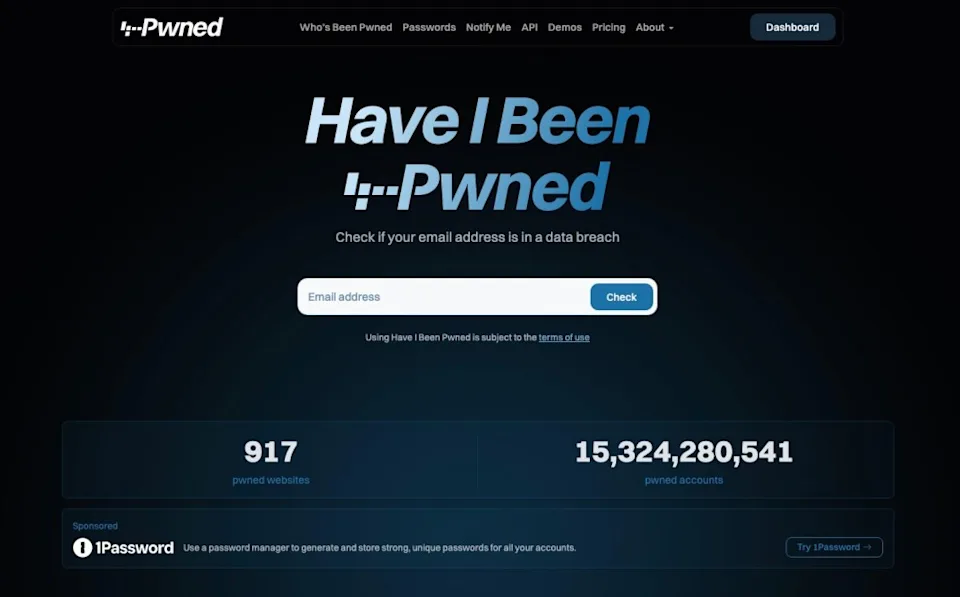
Step 1: Visit haveibeenpwned.com and enter your email address. The service will tell you whether that address appears in the June 2026 stealer log dataset or any other known breach in its database.
Step 2: Check your passwords at haveibeenpwned.com/Passwords. This tool uses a secure k-anonymity method that means your actual password is never sent to the HIBP servers, only a partial hash, so it is safe to use.
Step 3: Sign up for automatic notifications at HIBP. You will receive an email alert whenever your address appears in any future breach dataset added to the service.
If your email or any of your passwords appear in the results, treat it as a confirmed compromise and act immediately.
WHAT TO DO IF YOU’VE BEEN AFFECTED (AND EVEN IF YOU HAVEN’T)
Whether or not your credentials appear in the current dataset, these steps are the correct response to the infostealer threat environment:
CHANGE AFFECTED PASSWORDS IMMEDIATELY
If any of your passwords appear in the HIBP database, change them right away. Start with the accounts that matter most: email, banking, workplace tools, and any platform that stores payment information.
Do not just change the password on the breached account. Cybercriminals rely on credential stuffing, taking a stolen username and password combination and trying it across dozens of other services automatically. If you reuse passwords across accounts, every account sharing that password is now at risk.
ENABLE TWO-FACTOR AUTHENTICATION (2FA)
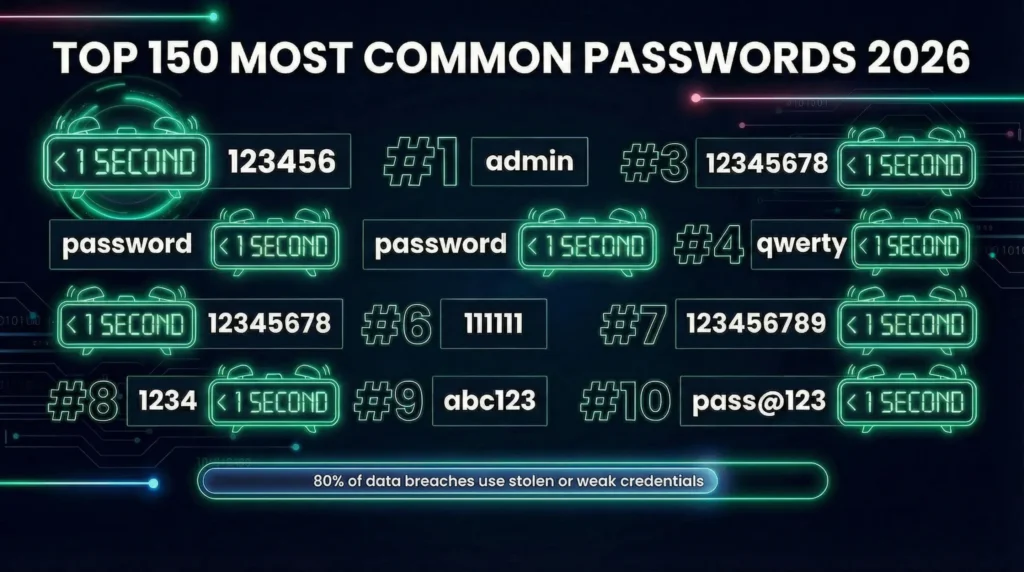
Two-factor authentication (2FA) is the single most effective immediate defence against stolen credentials. Even if an attacker has your username and password, 2FA requires a second verification step, typically a code sent to your phone or generated by an authenticator app, before access is granted.
Enable 2FA on all accounts that support it, in this priority order: email accounts, banking and financial services, workplace accounts, social media, and any account storing payment details. Most major email providers, social platforms, and financial services now support 2FA by default.
USE A PASSWORD MANAGER
If you store passwords in your browser’s built-in password manager, this incident is a direct argument for switching to a dedicated password manager.
Dedicated password managers, such as 1Password, Bitwarden, or similar tools, store credentials in an encrypted vault that is significantly harder for infostealers to access than browser-stored passwords. They also make it practical to use a unique, strong password for every account, which is the only real defence against credential stuffing attacks.
If you reuse passwords, every stolen credential gives attackers a potential key to multiple accounts. A password manager removes this risk.
SCAN YOUR DEVICE FOR MALWARE
Because infostealer infections can persist undetected, running a full security scan on your devices is a sensible precaution, particularly if you use Windows. A reputable antivirus or endpoint security tool will identify most known infostealer variants. If anything is found, treat all credentials that may have been accessible during the infection period as potentially compromised.
Consider also reviewing recent browser activity and any unfamiliar login notifications from your accounts.
QUICK ACTION CHECKLIST
✓ Check your email at haveibeenpwned.com
✓ Check your passwords at haveibeenpwned.com/Passwords
✓ Enable HIBP automatic notifications for future breaches
✓ Change any compromised passwords immediately
✓ Enable 2FA on email, banking, workplace, and social accounts
✓ Switch to a dedicated password manager if you use browser-stored passwords
✓ Run a full malware scan on your Windows devices
✓ Stop reusing passwords across services
CONCLUSION
The June 2026 HIBP update is a useful reminder that credential theft has moved well beyond corporate data breaches. Infostealers target individual users directly, quietly, persistently, and without the kind of company-wide breach notification that typically prompts people to act.
The good news is that the tools to check your exposure and protect yourself are free and available right now. Checking HIBP takes sixty seconds. Enabling 2FA on your most critical accounts takes a few minutes. Using a password manager, if you do not already, is a one-time effort with ongoing protective benefit.
The threat is real. The response is manageable. Start with haveibeenpwned.com and work down the checklist above.